




Royalstiger App
The Royalstiger app gives players a practical way to keep our platform close at hand on any device. It works in a simple PWA format, which makes everyday access fast and easy. The app is ready in seconds and fits naturally into regular play as well as quick account checks between sessions. On phones, tablets, and desktops, it gives you a more direct way to return whenever you need it.



Why the Royalstiger App Works Well as a PWA
The PWA format makes the Royals Tiger app easier to keep close at hand and simpler to use from day to day. You do not need a long setup before the app becomes part of your routine. Players can return to it quickly from the device they use most. That matters on mobile, where convenience usually decides whether an app feels useful or gets ignored after the first visit.
In practical use, the Royalstiger app gives players four clear advantages:
- quick setup without an app store
- low storage use on mobile devices
- automatic updates in the background
- direct access from the home screen or desktop
That is also why a separate Royalstiger APK is not necessary here. The PWA already gives you an app-style way to open Royals Tiger Casino quickly and keep it ready for regular use on different devices.
Benefits and Features of the Royals Tiger App
We keep the main parts of our platform in one place, so you can use the Royalstiger app without feeling pushed into a reduced version. We keep games, the cashier, bonuses, and profile settings easy to reach, while players still get a clear and familiar layout from one visit to the next.
That matters in everyday use. You may open the app to play, return later for an account action, or come back just to check what changed. The app supports that routine well because the main sections stay close at hand and are easy to move between.
Another benefit is continuity. The app feels familiar each time you open it, which helps players return without wasting time on relearning the layout. That makes Royalstiger practical not only for quick check-ins, but for regular use as well.
The table below highlights how the Royals Tiger app works on different devices and where each format feels most useful.
| Device | Best For | What Players Get |
| Android | Quick account actions and short sessions | Easy movement between games, the cashier, and profile tools |
| iPhone | Fast returns to familiar mobile play | A clean app-style format that suits shorter sessions |
| Mac | Longer sessions and wider browsing | More room to compare categories and stay in the lobby |
| Windows | Regular desktop use | Direct access to the app and a comfortable, larger-screen view |
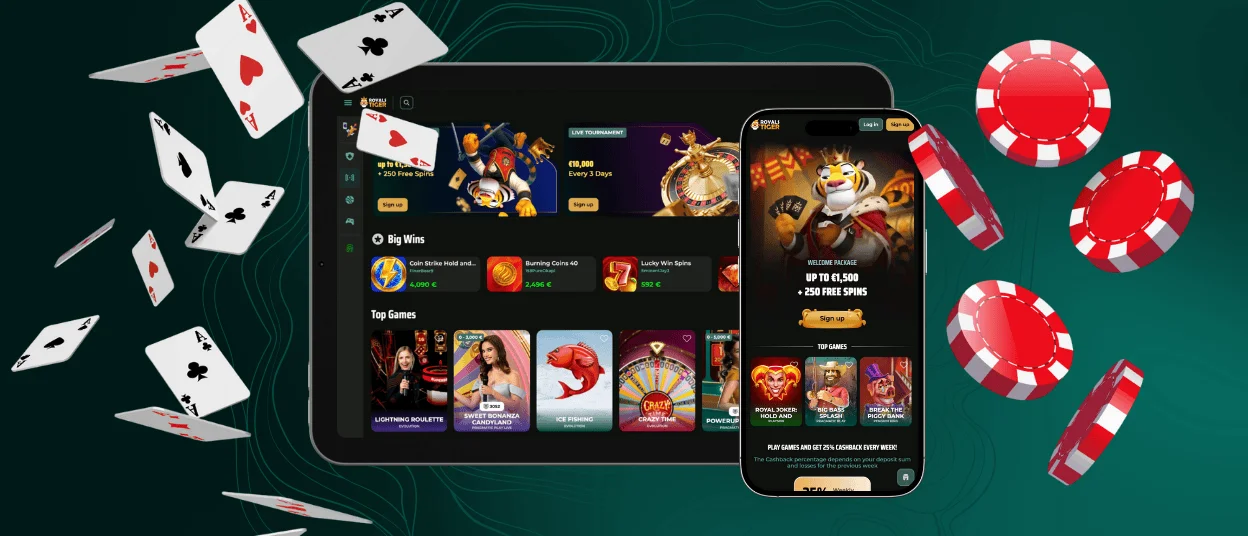
Royalstiger App for Phones and Tablets
The Royalstiger app works well on phones and tablets, but mobile use does not always look the same on every system. Android and iOS shape the experience a little differently, so each one deserves a separate look.
Royalstiger App for Android
Android works well for players who use the app in different ways throughout the day. We make Royalstiger easy to navigate on this system, so you can return for a short session, open a familiar section, or deal with an account task without wasting time. That flexibility gives the Android version a practical everyday feel.
Payments are part of that rhythm, too. You might begin with the cashier, make a deposit, and then move into play, or come back later to check on a withdrawal after the session ends. We keep those steps inside the same app flow, so players do not have to treat payment actions as something separate from the rest of the experience.
Mobile Application for iOS
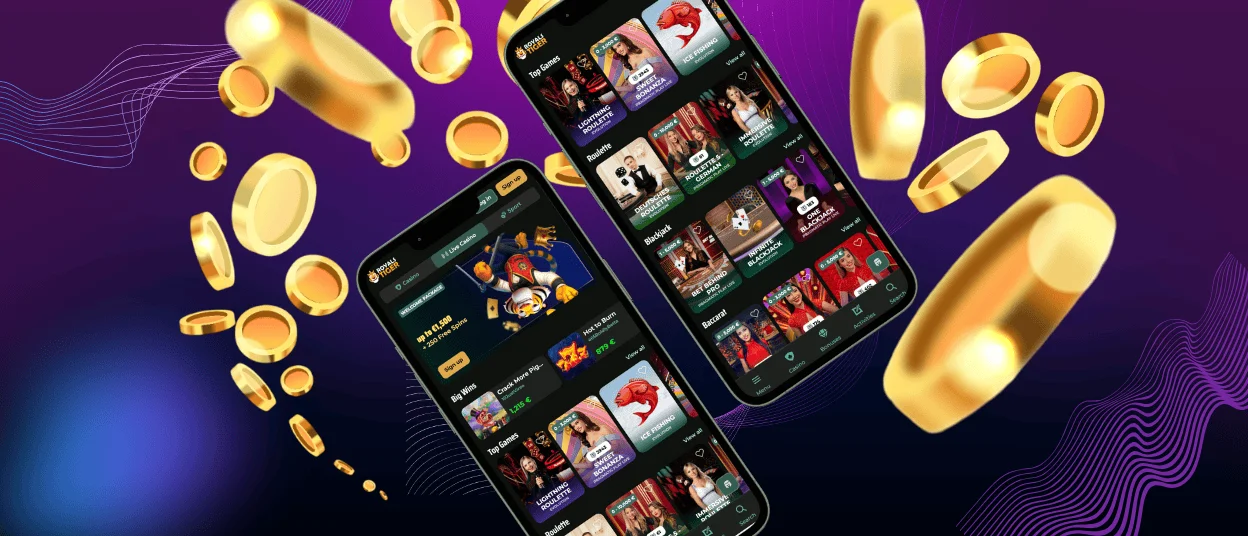
iPhone and iPad bring out a different side of the app. We see it most clearly when you want to return to familiar games and pick up the session with little delay. If you already know what you want to open, the iOS version makes that rhythm easy to keep.
That is one reason certain game types fit so naturally on iOS. Slots suit the format because they are easy to launch and easy to revisit later, while instant games also match shorter play on a smaller screen. For players who care more about the gaming side on mobile, this version gives Royals Tiger a cleaner play-first rhythm.
Play Royalstiger Casino on Mac or Windows
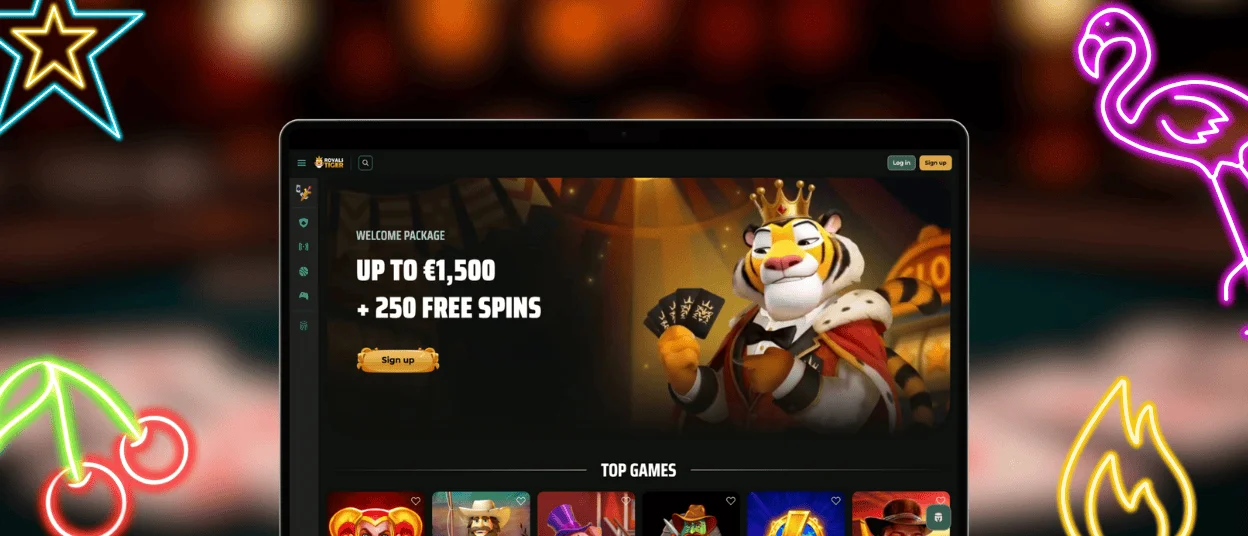
Royalstiger also feels comfortable on Mac and Windows when you want more space inside the app. We keep the desktop version practical for players who prefer a wider view of the lobby, like to compare categories before opening a game, or spend longer in one session. That larger format changes the pace in a useful way and makes the app easier to navigate over time.
Desktop use still stays convenient. Once Royalstiger is added to the desktop or taskbar, you can get back into the app quickly and continue where you left off. For many players, that combination is the main advantage here: a larger screen for browsing and a simple way to return when the next session starts.
How to Install the Royalstiger App on Any Device
The setup stays simple on every device:
- Open the Royalstiger website in your usual browser.
- Use the browser menu or share menu to add the site to your home screen or desktop.
- Save the shortcut and open Royals Tiger from there the next time you want to use it.
That setup keeps the app easy to access on any device. Once the shortcut is saved, Royalstiger is ready the next time you want to use it.
FAQ
Does the Royalstiger Casino app offer customer support?
Yes. You can contact Royalstiger through 24/7 live chat and email, and our team also supports multiple languages.
How can I update the Royals Tiger app?
You do not need to update the Royalstiger app manually. As a PWA, it updates automatically.
Are all games available in the app?
Yes. You can use the Royalstiger app for games, bonuses, deposits, withdrawals, and profile tools, so it works well for regular use.
How is a PWA different from a traditional casino app?
A traditional app comes through an app store. A PWA opens in the browser first, and after that, you can add it to your home screen or desktop.


